
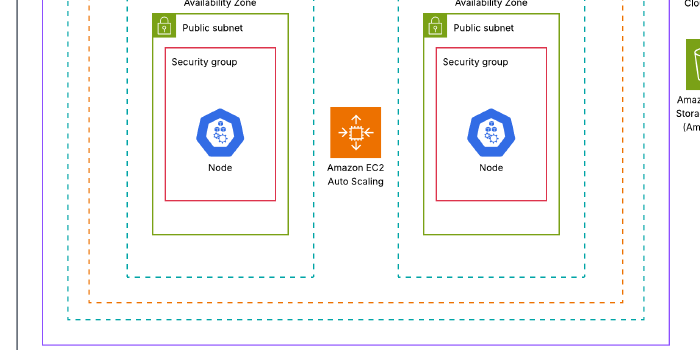
Deploying Super Mario on AWS EKS using Terraform!
Journey: 📊 Community Builder 📊
Subject matter: Building on AWS
Task: Deploying Super Mario on AWS EKS using Terraform!
This week, I successfully deployed a working retro game on AWS!
I have been wanting to build something like this for a while now, so I found this quite an exciting build, and what could be better than deploying a retro game that I used to play on my Gameboy back when I was a kid!
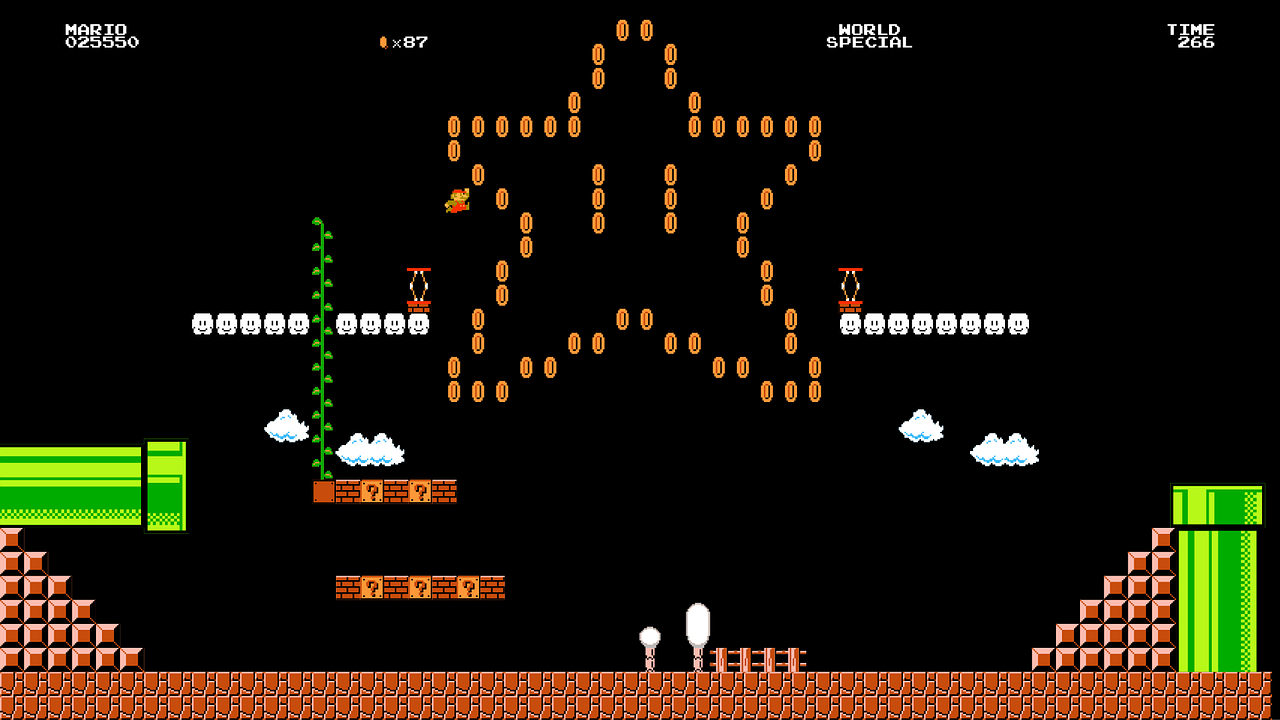
Image Credit: Pixabay. Image used for the purpose of commentary.
Amazon Elastic Kubernetes Service is a managed Kubernetes service.
Amazon EKS automatically manages the availability and scalability of the Kubernetes control plane nodes responsible for scheduling containers, managing application availability, and storing cluster data.
AWS Fargate can also be used with Amazon EKS to run containers without having to manage servers or clusters of Amazon EC2 instances; however, I didn’t use Fargate in this project.
In a Kubernetes cluster, there are 2 components. They are the Control Plane, known as a Master Node, and the Data Plane, known as Worker Nodes.

Resource credit: This IaC architecture was created using guidance from Harshhaa on Gitlab Here.
What did I use to build this environment?
- Visual Studio Code platform
- Terraform
- AWS CLI
- Kubectl CLI
What is built?
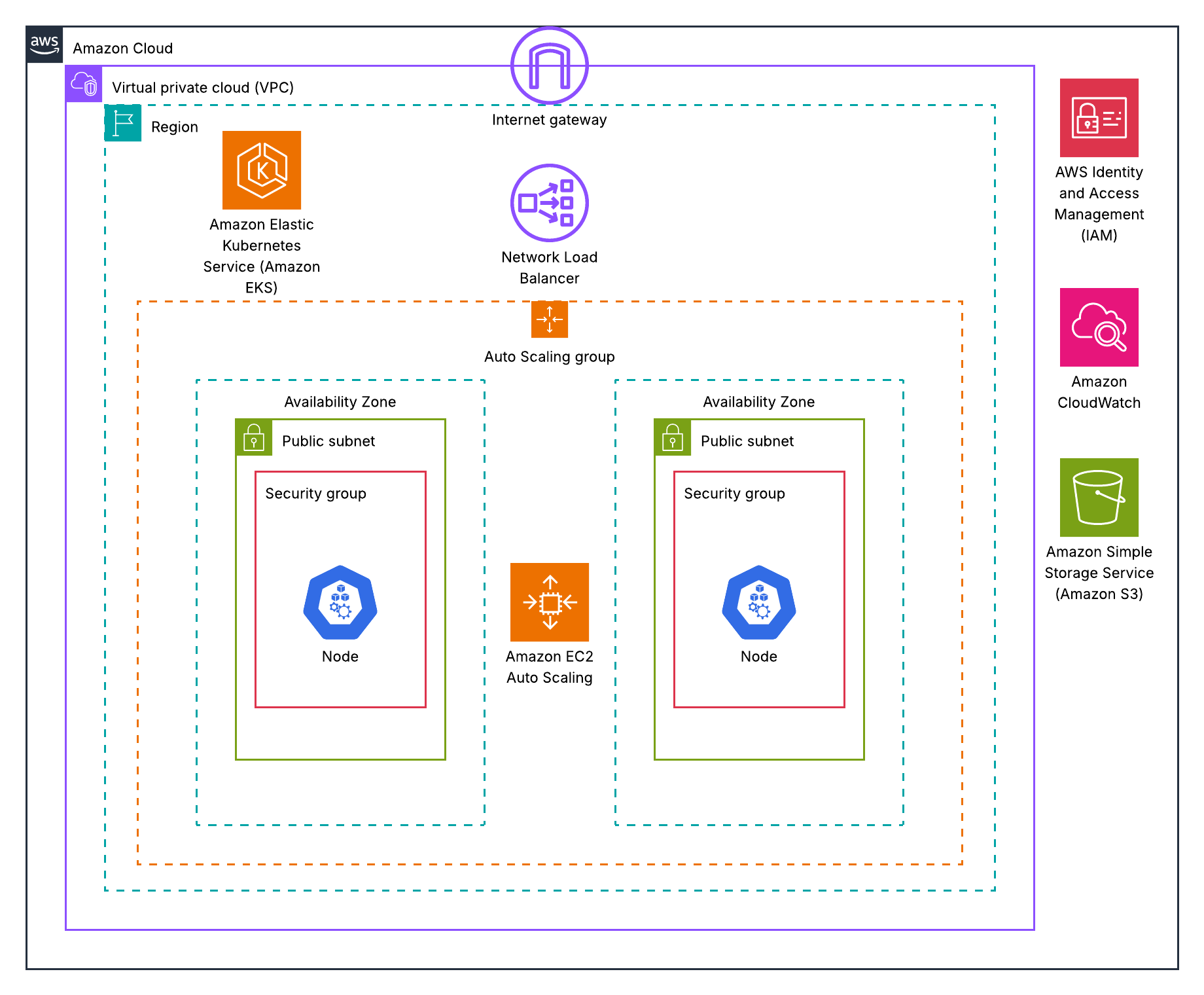
- An Amazon EKS Cluster
- Security Groups
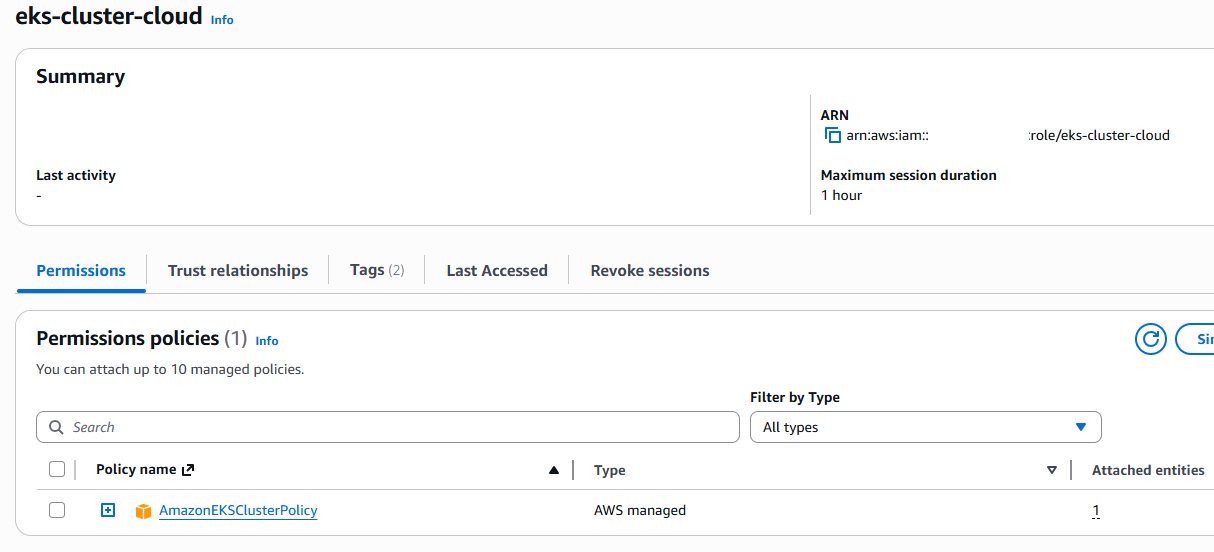
- IAM Roles
- S3 Bucket
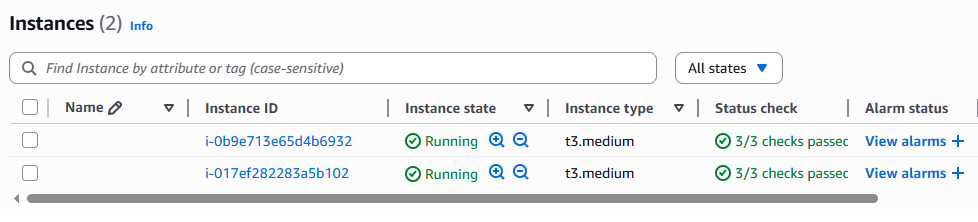
- Two EC2 Instances
- Auto Scaling Group
- Network Load Balancer
- Cloudwatch logs
More information on EKS can be found here: https://docs.aws.amazon.com/whitepapers/latest/overview-deployment-options/amazon-elastic-kubernetes-service.html
I started by configuring my Terraform config and initially ran into issues with the remote state file being stored in the S3 backend. Specifically, problems with the DynamoDB lock.
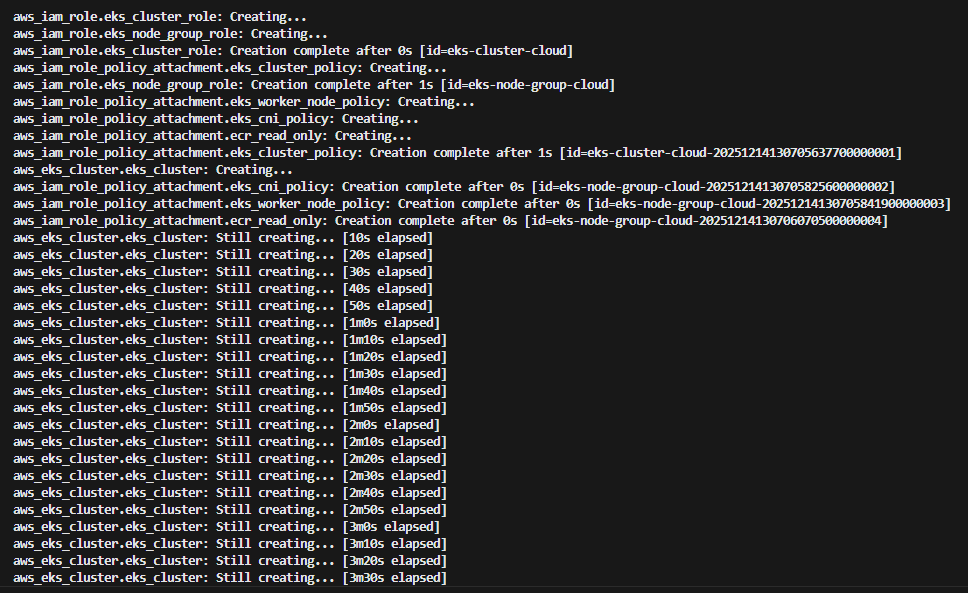
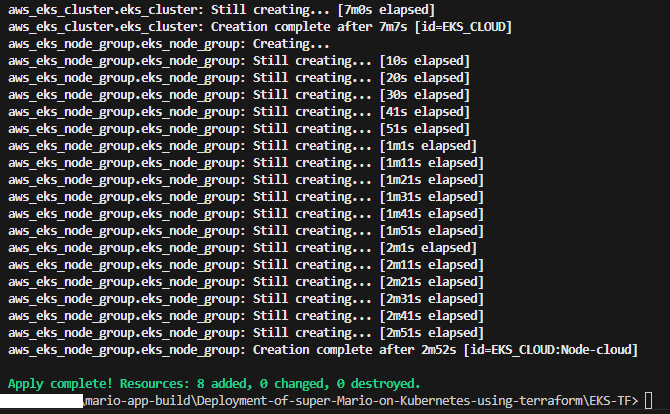
After applying a workaround to allow me to continue with the build, I got the Terraform deployed, and this built out my EKS cluster.
Once the cluster was provisioned fully, I had a look at what had been built so far, specifically observing the workload Pods, worker Nodes, and the new Auto Scaling group that had come online.
After enjoying having a click about, I moved back to VScode to configure the Kubernetes Context, before moving on to the task of deploying the application, which was completed in two stages.
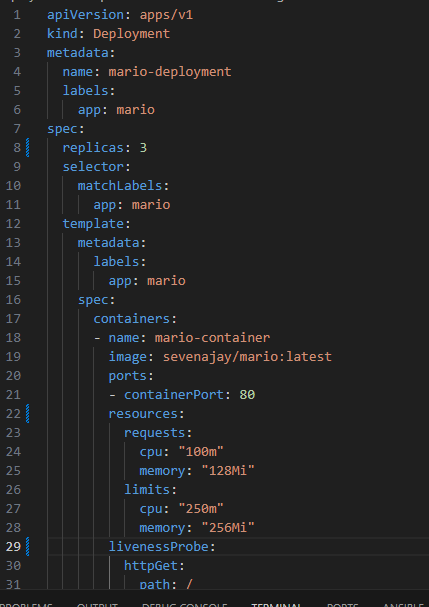
Once the application had been created, I used a kubectl command to get my application details, and it was at this point that my application URL was displayed.
Loading up the URL, I was thrown back to my childhood as I heard the Super Mario music start. There was only one thing left to do…
Some of the highlights…
Terraform apply:
Terraform complete:
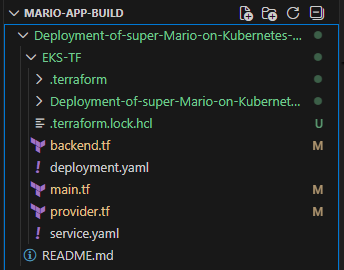
Terraform structure:
EKS Cluster:
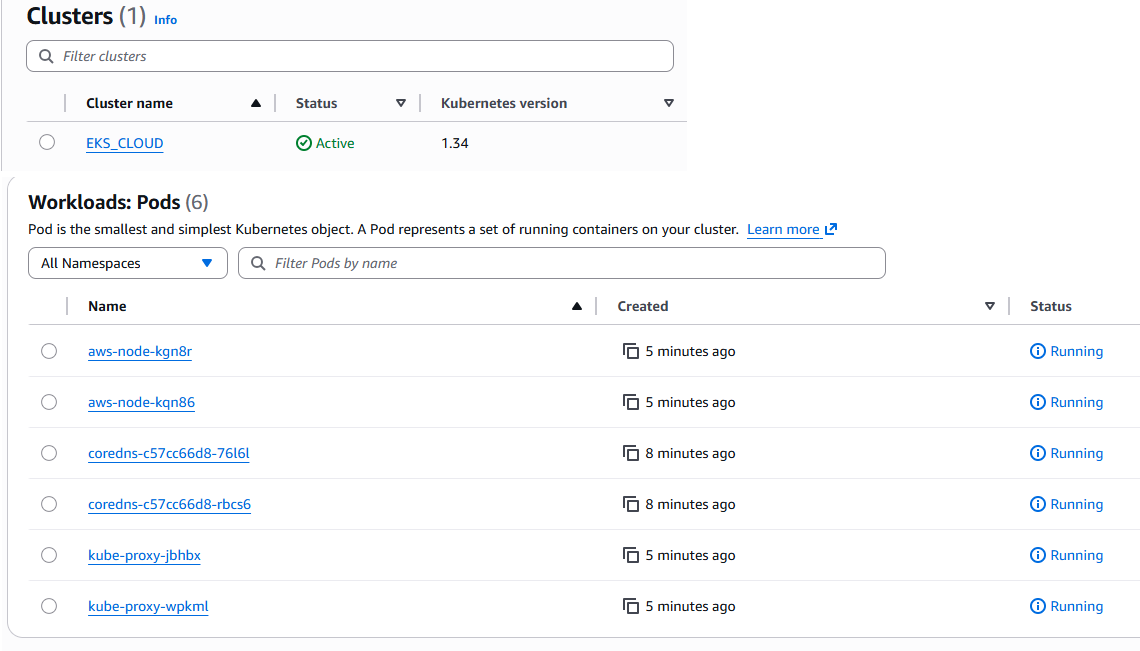
EKS Nodes:

Tagging strategy:
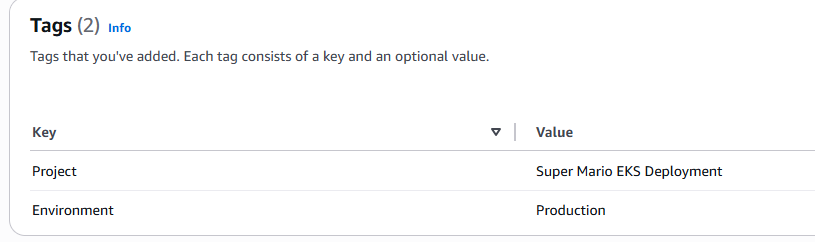
Worker instances:
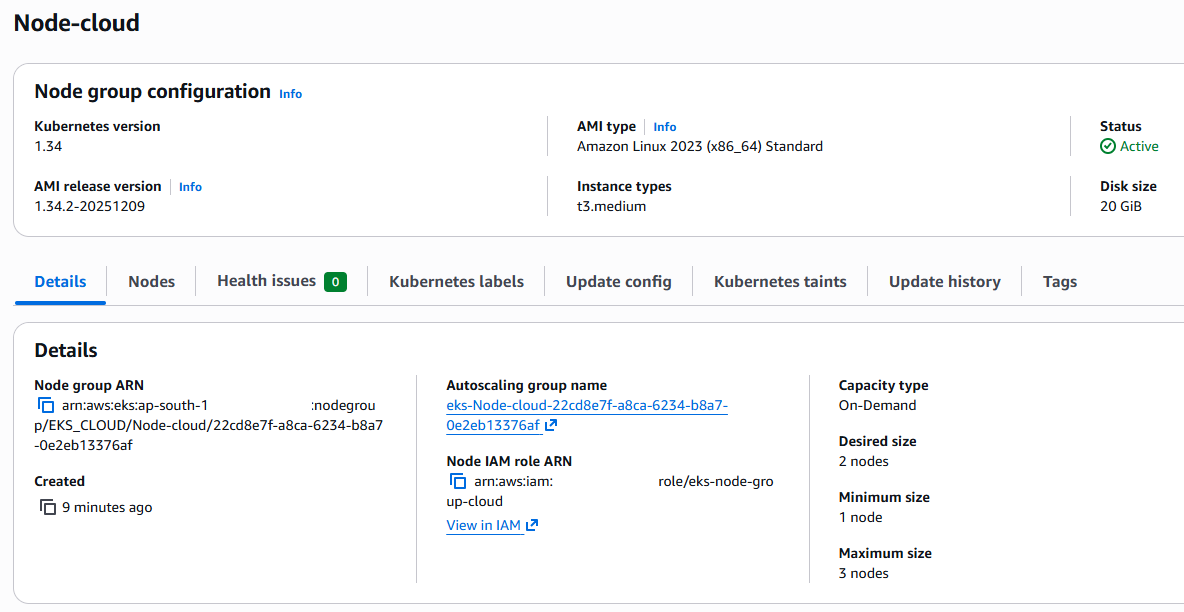
EKS config:
IAM setup:
Network Load Balancer:
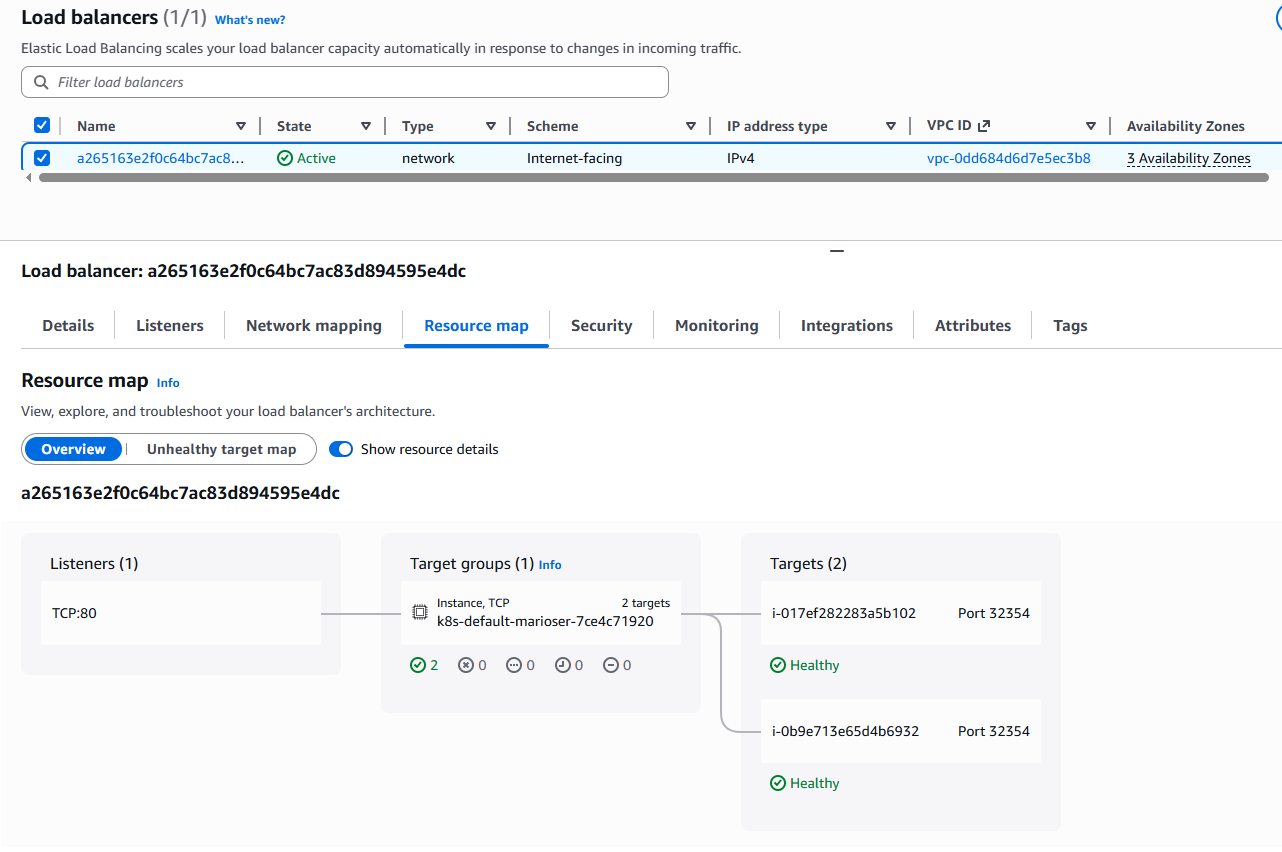
Network Load Balancer monitoring:
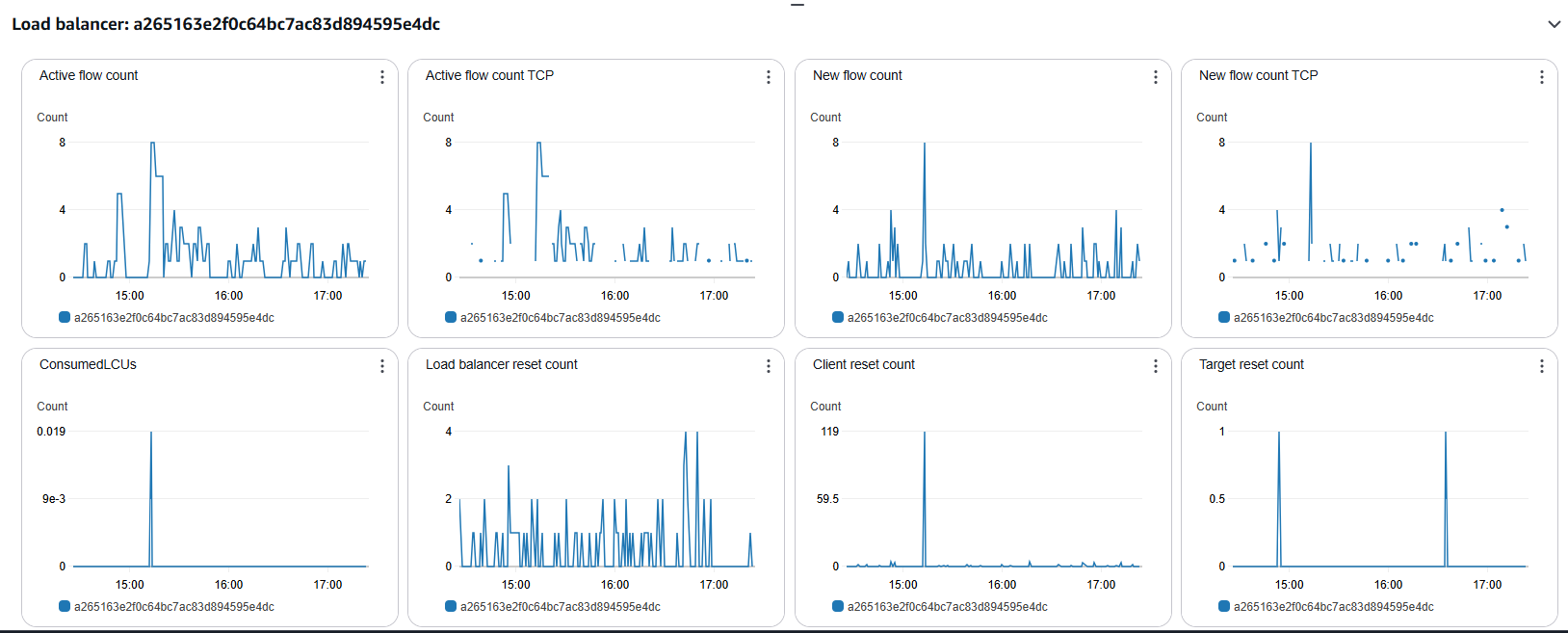
Auto Scaling:

Security Groups:
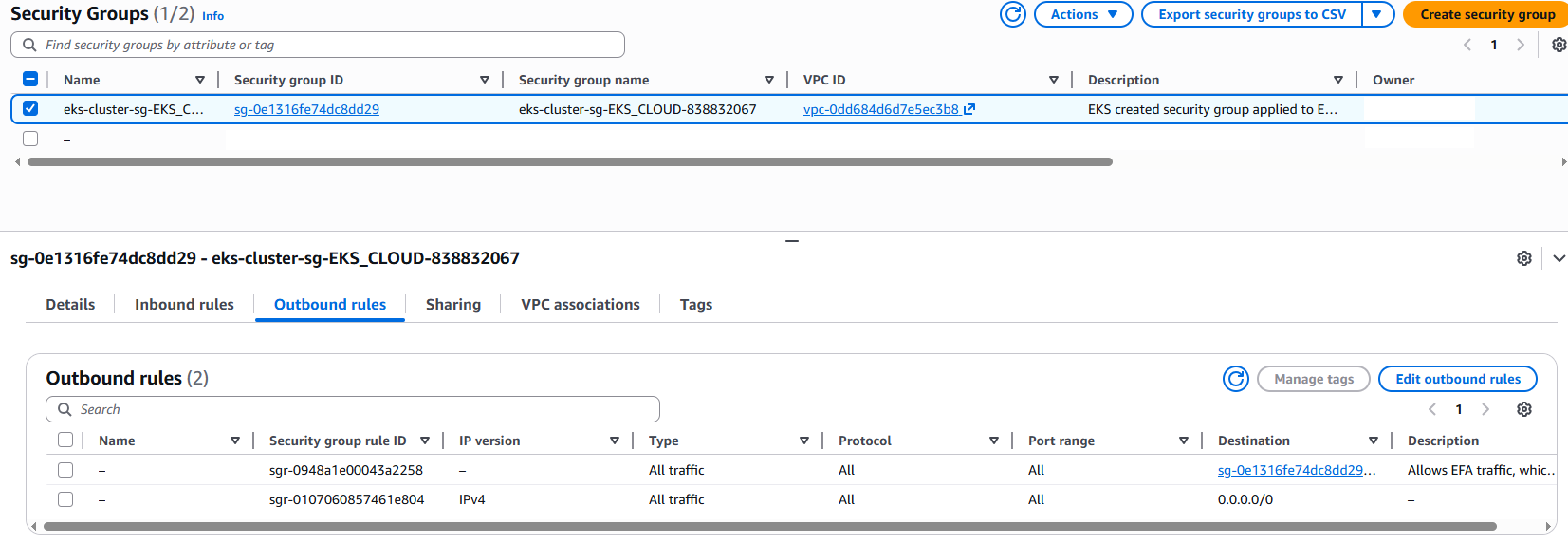
Game Deployment:

Game loading:
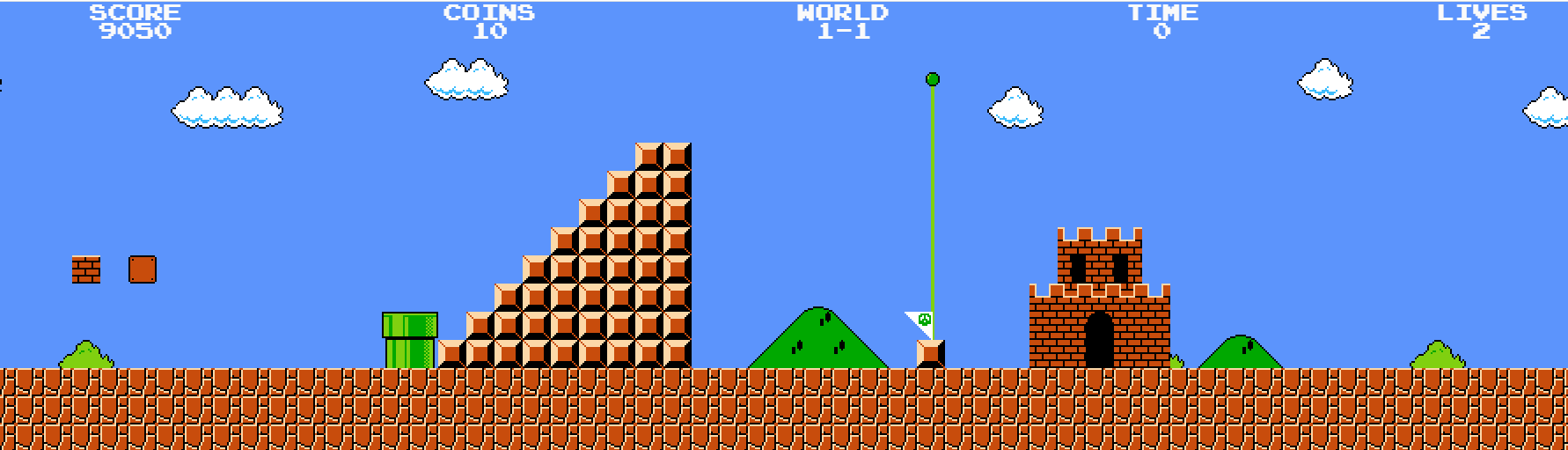
Image Credit: © Nintendo. Screenshot taken for the purpose of commentary.
Levelling up!

Image Credit: © Nintendo. Screenshot taken for the purpose of commentary.
Game over:
Image Credit: © Nintendo. Screenshot taken for the purpose of commentary.
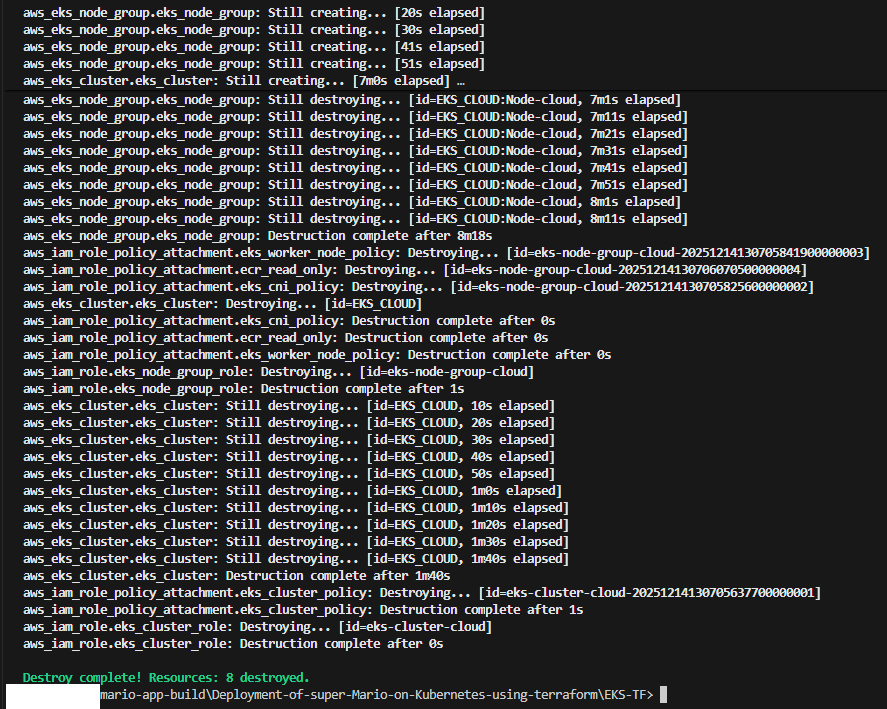
Terraform destroy:
My interpretation of the architecture:
I hope you have enjoyed the article!